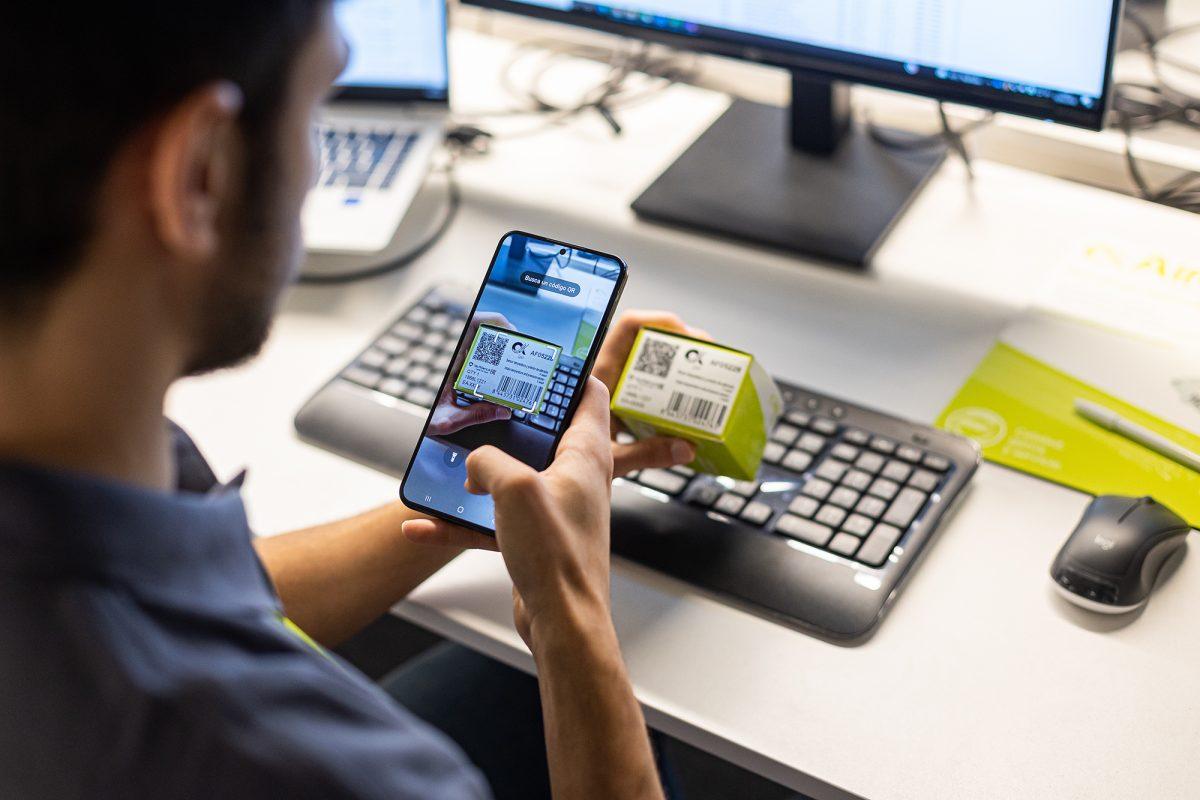
What QR codes are, how free generators work, their benefits, types (static vs dynamic), design best practices, and real-world applications. Perfect for businesses, marketers, and individuals looking to create custom, scannable QR codes quickly.
In today's fast-paced digital world, QR codes have become an essential tool for bridging the physical and online realms. Whether you're a business owner looking to enhance customer engagement or an individual wanting to share information effortlessly, a QR Code Generator simplifies the process of creating these scannable squares. This comprehensive guide explores everything you need to know about QR code generators, from their fundamentals to advanced applications and best practices.
What Are QR Codes and Why Do They Matter?
QR codes, or Quick Response codes, are two-dimensional barcodes that store information in a compact, machine-readable format. Invented in 1994 by a Japanese company called Denso Wave, they were initially used for tracking automotive parts. Today, they power everything from menu access in restaurants to contactless payments and marketing campaigns.
Unlike traditional barcodes, QR codes can hold significantly more data—up to thousands of characters—including URLs, text, contact details, Wi-Fi credentials, and even multimedia links. Their square shape and error-correction capability allow them to remain scannable even if partially damaged or printed at low resolution.
This versatility has made QR codes indispensable in a post-pandemic era where contactless interactions dominate. Businesses use them on packaging, posters, and products, while educators embed them in worksheets and event organisers direct attendees to registration pages.
Understanding QR Code Generators
A QR Code Generator is a software tool—often web-based or mobile app—that lets users create custom QR codes without needing technical expertise in coding or graphic design. These generators convert input data (like a website link or plain text) into a visual QR pattern instantly.
Most modern generators offer free tiers with basic functionality, while premium versions provide advanced customization. Popular free options include tools from reputable sites that prioritize user privacy and code reliability. Unlike paid enterprise solutions, many free generators deliver high-quality results suitable for personal and small business needs.
How Does a QR Code Generator Work?
The process is straightforward:
- Input Data: Enter the information you want to encode—URL, text, email, phone number, or even a vCard for contact sharing.
- Customization: Adjust colors, add logos, choose patterns (square, circular dots), and set error correction levels.
- Generation: The tool uses algorithms based on the QR code standard to produce the image.
- Download and Test: Save the QR code as PNG, SVG, or other formats and scan it to verify functionality.
Behind the scenes, QR code generators rely on mathematical encoding schemes that divide data into modules (the black and white squares). Reed-Solomon error correction ensures robustness—allowing up to 30% damage without losing readability.
Benefits of Using a QR Code Generator
QR code generators provide numerous advantages that make them a go-to tool across industries:
- Convenience and Speed: Create a code in seconds instead of manually designing one.
- Cost-Effectiveness: Free generators eliminate the need for expensive design software or professional services.
- Analytics and Tracking: Many tools offer dynamic QR codes that allow you to monitor scans, locations, and user behavior in real-time.
- Branding Opportunities: Customize colors to match your brand identity, embed logos, and add frames with calls-to-action like "Scan Me!"
- Versatility: Support multiple data types and integrate with social media, e-commerce, and mobile apps.
For marketers, QR codes boost engagement by reducing friction—customers can instantly access product details, reviews, or promotional offers. In education, teachers use them to link to supplementary resources. Event planners distribute digital tickets or maps effortlessly.
Types of QR Codes You Can Create
QR code generators support various formats tailored to specific needs:
Static QR Codes These contain fixed information and are ideal for one-time use cases like printing on business cards or flyers. They are simple but cannot be edited after creation.
Dynamic QR Codes Linked to a short URL that redirects to the final destination. The major advantage? You can update the linked content anytime without reprinting the code. Perfect for long-term campaigns or menus that change frequently.
Specialized QR Codes
- Wi-Fi QR Codes: Share network credentials instantly.
- vCard QR Codes: Exchange contact information seamlessly.
- Payment QR Codes: Facilitate UPI or mobile wallet transactions.
- Social Media QR Codes: Direct followers to multiple profiles at once.
- File QR Codes: Link to PDFs, images, or documents.
Choosing the Right Free QR Code Generator
With numerous options available, selecting the best free QR Code Generator depends on your requirements:
Look for tools that offer:
- High-resolution downloads
- No watermark on free plans
- Strong security (no data logging of sensitive inputs)
- Mobile responsiveness
- Batch generation capabilities
Test the scanner compatibility across different devices and apps like Google Lens, iOS Camera, or dedicated QR readers. Reliability matters—poorly generated codes can frustrate users and harm your brand reputation.
Best Practices for Creating Effective QR Codes
To maximize the impact of your QR codes, follow these guidelines:
Design Tips
- Maintain sufficient contrast between foreground and background colors.
- Avoid overly complex designs that reduce scannability.
- Include a clear call-to-action near the code (e.g., "Scan for Menu").
- Test prints at various sizes and distances.
Technical Considerations
- Use at least 20-30% error correction for outdoor or frequently handled materials.
- Ensure the minimum size is around 2x2 cm for reliable scanning.
- Prefer vector formats (SVG) for large prints to avoid pixelation.
Security and Privacy Always use HTTPS links in URLs. For dynamic codes, choose generators with robust encryption. Be transparent about what users will access after scanning to build trust.
Real-World Applications and Future Trends
QR codes have evolved far beyond their industrial origins. Restaurants replaced physical menus with scannable codes during health crises. Retailers use them for augmented reality experiences and loyalty programs. Museums provide multilingual audio guides via QR links.
Looking ahead, integration with technologies like NFC, AR, and blockchain promises even more innovative uses. Expect smarter dynamic codes with built-in analytics dashboards and AI-powered personalization. Free generators continue to improve, incorporating these trends and making advanced features accessible to everyone.